
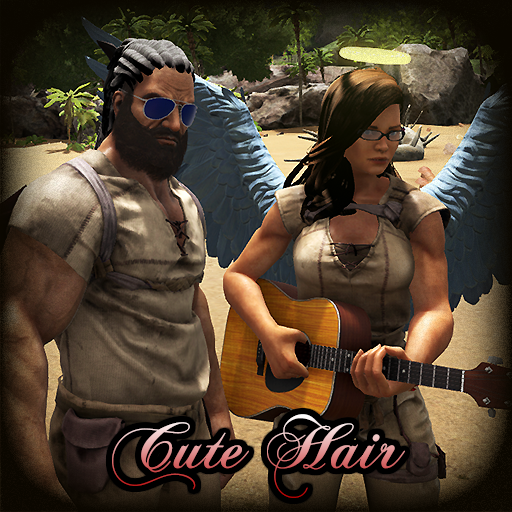
Cute Hair — ARK Mod ID & 1-Click Install
The mod has expanded to include skins for other equipments. Over 200 different customizations for your RP needs! Learn the engram for the Apple bowl (Female Hair), JD (Male Hair), Skyrim (Helmet & Mask from Skyrim) , Black Kitty (Requested Hairs) or Brown
125,476 Subscribers
4,662 Favorites
749.0 MB
Updated 2016-12-31
1-Click Server Setup: Workshop ID & Config Lines
Workshop ID
806480270
GameUserSettings.ini ([ServerSettings])
ActiveMods=806480270
SteamCMD Terminal Download (run in shell, not in config files)
steamcmd +login anonymous +workshop_download_item 346110 806480270 +quit
How to Install Cute Hair on a Dedicated Server
- Copy the Workshop ID
806480270(or add multiple mods using the 1-Click Modlist Builder). - Add
ActiveMods=806480270under[ServerSettings]inGameUserSettings.ini(or pass-mods=806480270in your launch command). - Restart your ARK dedicated server and verify the mod loads in the server console.
Mod Metadata
| Game | ARK: Survival Ascended & Evolved |
|---|---|
| Workshop ID | 806480270 |
| Subscribers | 125,476 |
| Favorites | 4,662 |
| File Size | 749.0 MB |
| Last Updated | 2016-12-31 |