
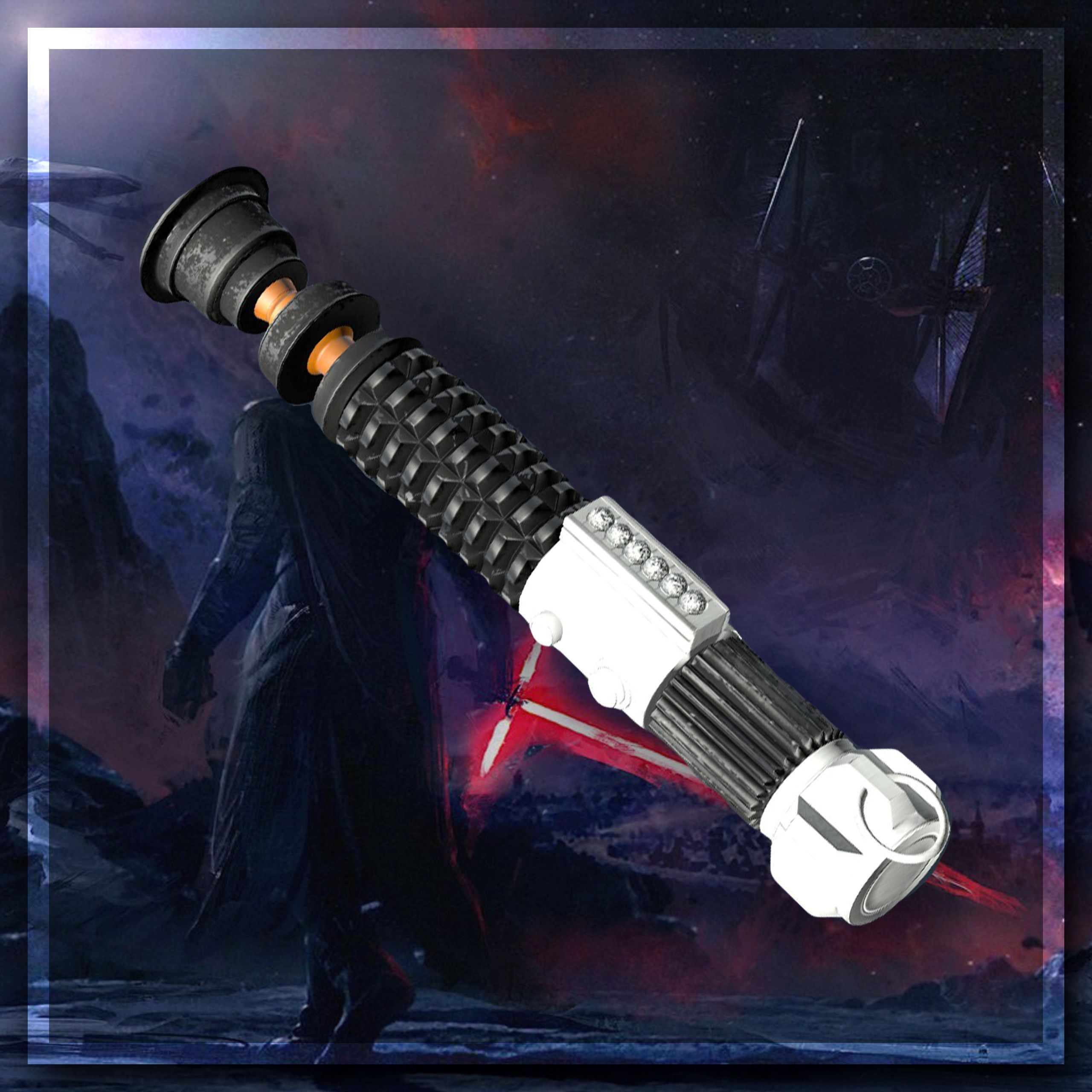
Lightsword — DayZ Mod ID & 1-Click Install
https://i.imgur.com/SGMylzO.gif https://i.imgur.com/dY6z8Us.png This mod includes multiple models of Lightsword's that is very effective against anything that is thrown at you. Custom sounds for the sword were created just for this mod. Custom script for r
296,413 Subscribers
1,027 Favorites
96.8 MB
Updated 2026-10-22
Weapon Equipment Mod
1-Click Server Setup: Workshop ID & Config Lines
Workshop ID
1964490092
Server Launch Parameter (not serverDZ.cfg)
-mod=@1964490092
SteamCMD Terminal Download (run in shell, not in config files)
steamcmd +login anonymous +workshop_download_item 221100 1964490092 +quit
How to Install Lightsword on a Dedicated Server
- Copy the Workshop ID
1964490092(or add multiple mods using the 1-Click Modlist Builder). - Run the SteamCMD command in your server terminal, then copy (or symlink)
steamapps/workshop/content/221100/1964490092into your server root as@1964490092(any folder name works as long as it matches-mod=). Copy its.bikeyfile intokeys/and pass-mod=@1964490092in your start command (do not paste SteamCMD lines intoserverDZ.cfg). - Restart your DayZ dedicated server and verify the mod loads in the server console.
Mod Metadata
| Game | DayZ |
|---|---|
| Workshop ID | 1964490092 |
| Subscribers | 296,413 |
| Favorites | 1,027 |
| File Size | 96.8 MB |
| Last Updated | 2026-10-22 |