
[B41/B42] Item Condition — Zomboid Mod ID & 1-Click Install
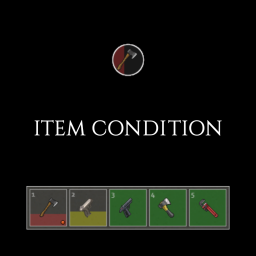
Information Displays item condition in the hotbar and equipped interface. This is a less featureful alternative to Weapon Condition Indicator built from the ground up. Features Vertical or Horizontal progress bar modes Multicolor depending on condition per
635,590 Subscribers
22,786 Favorites
0.4 MB
Updated 2024-12-18
Build 41 Interface Build 42
1-Click Server Setup: Workshop ID & Config Lines
Workshop ID
2852309899
servertest.ini Lines (Mod ID from the Workshop description)
WorkshopItems=2852309899
Mods=qdx_item_condition
SteamCMD Terminal Download (run in shell, not in config files)
steamcmd +login anonymous +workshop_download_item 108600 2852309899 +quit
How to Install [B41/B42] Item Condition on a Dedicated Server
- Copy the Workshop ID
2852309899(or add multiple mods using the 1-Click Modlist Builder). - Paste
WorkshopItems=2852309899andMods=qdx_item_conditionintoservertest.ini. On Build 42, prefix each Mod ID with a backslash (e.g.Mods=\qdx_item_condition). - Restart your Zomboid dedicated server and verify the mod loads in the server console.
Mod Metadata
| Game | Project Zomboid |
|---|---|
| Workshop ID | 2852309899 |
| Subscribers | 635,590 |
| Favorites | 22,786 |
| File Size | 0.4 MB |
| Last Updated | 2024-12-18 |