
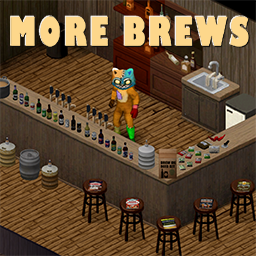
MoreBrews! — Zomboid Mod ID & 1-Click Install
Getting Started with Homebrewing Beer in PZ I have been diligently putting this together to share one of my personal hobbies with the PZ community. I did my best to capture the process of brewing beer from start to finish. WINE ME UP! - 3.01 Edition: A ver
257,860 Subscribers
7,084 Favorites
26.9 MB
Updated 2023-10-07
Build 41 Items Food Misc
1-Click Server Setup: Workshop ID & Config Lines
Workshop ID
2801575579
servertest.ini Lines (Mod ID from the Workshop description)
WorkshopItems=2801575579
Mods=MoreBrews
SteamCMD Terminal Download (run in shell, not in config files)
steamcmd +login anonymous +workshop_download_item 108600 2801575579 +quit
How to Install MoreBrews! on a Dedicated Server
- Copy the Workshop ID
2801575579(or add multiple mods using the 1-Click Modlist Builder). - Paste
WorkshopItems=2801575579andMods=MoreBrewsintoservertest.ini. This mod lists 4 Mod IDs (MoreBrews,MoreBrewsEasyPackingBeer,MoreBrewsEasyPackingWine,MoreBrewsWineMeUp) — usually variants or optional sub-mods; enable only the ones you need, separated by;. On Build 42, prefix each Mod ID with a backslash (e.g.Mods=\MoreBrews). - Restart your Zomboid dedicated server and verify the mod loads in the server console.
Mod Metadata
| Game | Project Zomboid |
|---|---|
| Workshop ID | 2801575579 |
| Subscribers | 257,860 |
| Favorites | 7,084 |
| File Size | 26.9 MB |
| Last Updated | 2023-10-07 |