
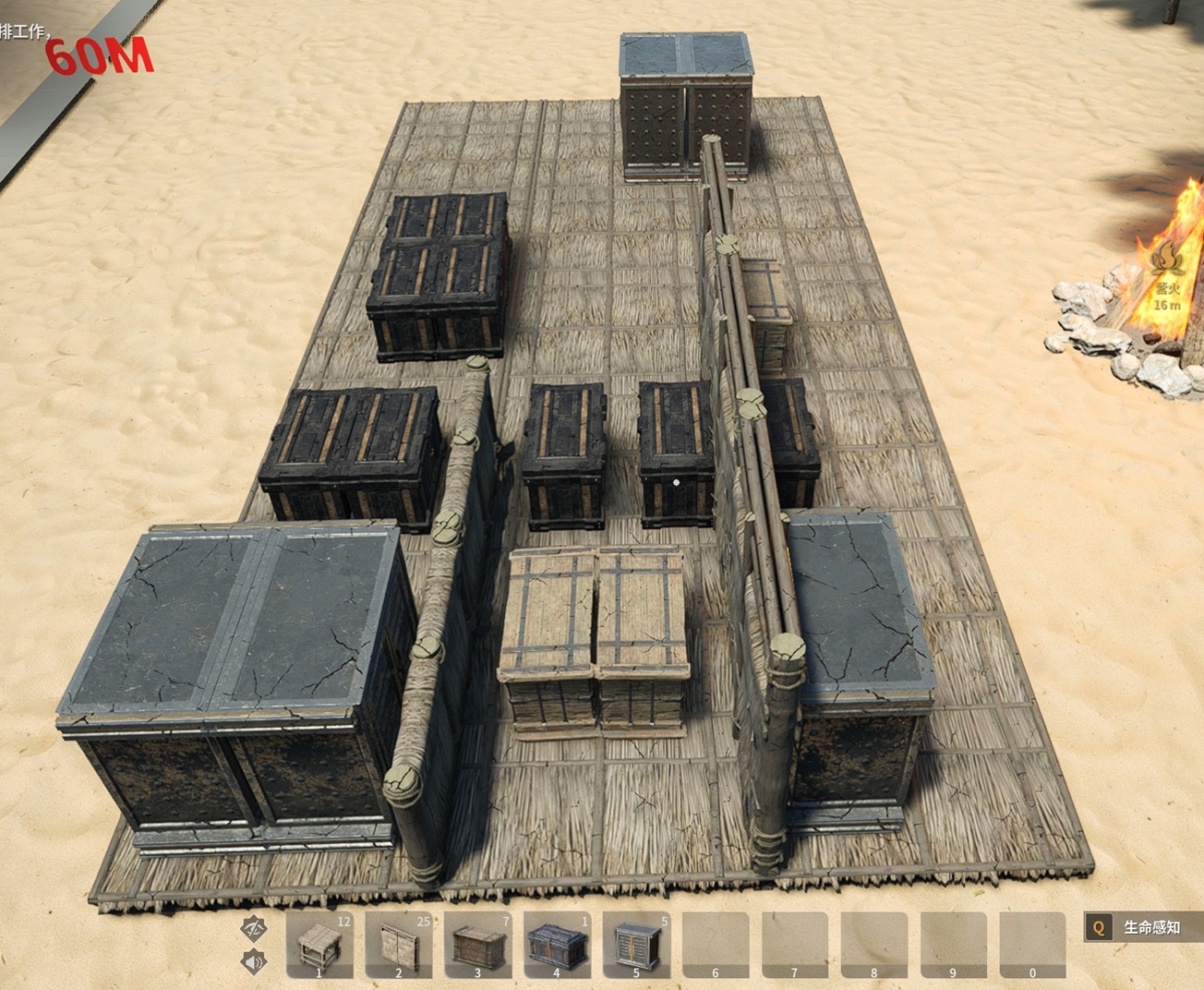
Large box + box alignment — Soulmask Mod ID & 1-Click Install
Google Translate Modifying game assets will cause transformations to become unresponsive; you need to hold down the Z key to switch. Therefore, only the thatched walls were modified. Use the thatched walls for positioning when aligning boxes. 【Incompatible
3,602 Subscribers
160 Favorites
4.1 MB
Updated 2025-12-05
1-Click Server Setup: Workshop ID & Config Lines
Workshop ID
3614233328
SteamCMD Terminal Download (run in shell, not in config files)
steamcmd +login anonymous +workshop_download_item 2646460 3614233328 +quit
How to Install Large box + box alignment on a Dedicated Server
- Copy the Workshop ID
3614233328(or add multiple mods using the 1-Click Modlist Builder). - Download the mod via SteamCMD in your server terminal (or enable Workshop ID
3614233328in your host's mod manager — do not paste SteamCMD commands intoSoulmaskServer.txt). - Restart your Soulmask dedicated server and verify the mod loads in the server console.
Mod Metadata
| Game | Soulmask |
|---|---|
| Workshop ID | 3614233328 |
| Subscribers | 3,602 |
| Favorites | 160 |
| File Size | 4.1 MB |
| Last Updated | 2025-12-05 |